Digital Download Guides / September 1, 2026
What Image Resolution Actually Means for Printable Art
By Rock Paper Scissors
Understand pixels, print dimensions, and why a large source file still needs the right crop and preparation before it becomes useful printable wall art.

Article guide
The short answer: image resolution is the amount of pixel information available for printing. More pixels usually support a larger print, but pixel count is only one part of the result. Crop, source sharpness, compression, paper, printer settings, and viewing distance also matter.
Pixels versus print size
A digital image has pixel dimensions, such as 3600 × 5400 pixels. A print has physical dimensions, such as 12 × 18 inches. The same file can be printed at several sizes; as the print grows, the pixels are spread across more inches.
Printers and services may describe this relationship as pixels per inch or dots per inch. Those terms are often mixed in casual instructions, but the practical customer question is simpler: does the chosen file contain enough useful detail for the intended size and viewing context?
Compare a fine-line 16th-century astrolabe digital download with a color-rich 18th-century fish plate digital download. Thin lines, small details, soft source texture, and larger areas of color place different demands on cropping and enlargement. The useful question is not which artwork has the biggest number, but whether its actual file remains suitable at the intended print size.
Resolution is not a quality switch
Typing a larger resolution number into image metadata does not create missing detail. Enlarging a small preview may increase its pixel dimensions through interpolation, but it cannot recover texture and line information that were never present.
Likewise, a very large scan can still contain blur, paper damage, uneven borders, or compression artifacts. Preparation starts with selecting a useful source and inspecting it, not merely reading one number.
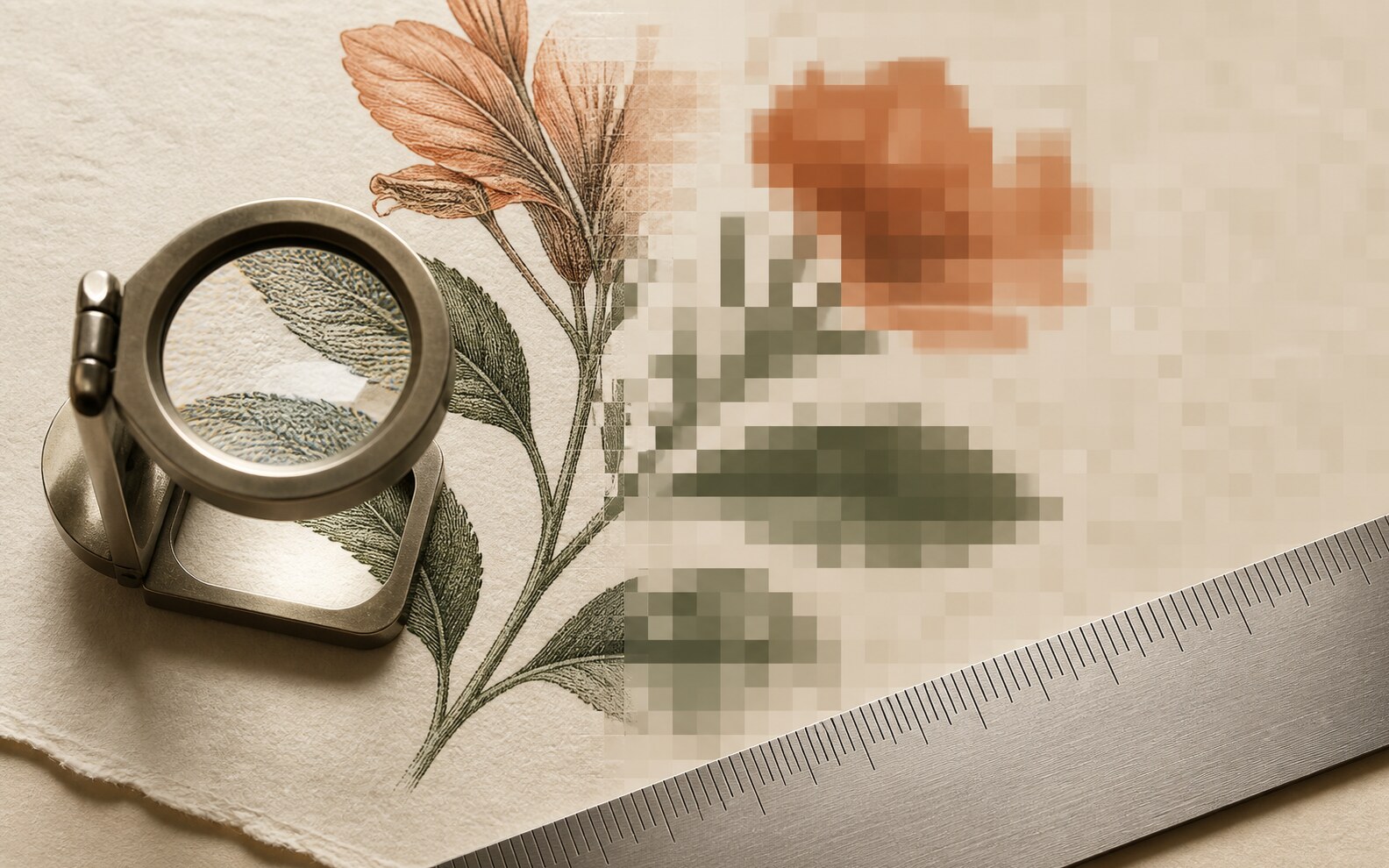
What file preparation can improve
- Selecting the best available source version for the product.
- Removing accidental empty borders or preparing deliberate borders.
- Creating separate crops for common frame proportions.
- Saving files in a practical format with clear names.
- Checking visible artifacts at realistic print sizes.
Preparation should not invent detail or disguise the nature of a historical source. Some age, texture, plate marks, or printing characteristics belong to the artwork and are not defects to erase.
How large can I print?
Start with the sizes and ratios listed in the product. Then consider viewing distance: a small framed print held close is judged differently from a larger poster viewed across a room. If you want a size outside the listing's guidance, ask the printer to evaluate the actual file rather than relying on a generic calculator alone.
Before ordering a print
- Choose the included file that matches the intended aspect ratio.
- Upload the original downloaded file, not a screenshot or message-app copy.
- Review the service's resolution warning and crop preview.
- Avoid repeatedly resaving a compressed JPG.
- Order a smaller proof when the final size or paper is unfamiliar.
Good printable art is a combination of usable source detail and careful production decisions. Resolution matters, but it is not a substitute for choosing the right file.
