Digital Download Guides / August 24, 2026
How to Choose the Right Aspect Ratio for Printable Wall Art
By Rock Paper Scissors
Match a printable art file to your frame without accidental cropping. Learn the difference between 2:3, 3:4, 4:5, square, and ISO paper proportions.

Article guide
The short answer: choose the frame or finished print size first, then select the download file with the same aspect ratio. A 12 × 18 inch frame uses a 2:3 file; an 8 × 10 inch frame uses a 4:5 file. Matching the ratio prevents unwanted cropping and makes ordering from a print shop much simpler.
What is an aspect ratio?
An aspect ratio describes the relationship between width and height. It is not a measurement by itself. A 4 × 6 inch print and a 12 × 18 inch print are both 2:3 because each side grows by the same proportion.
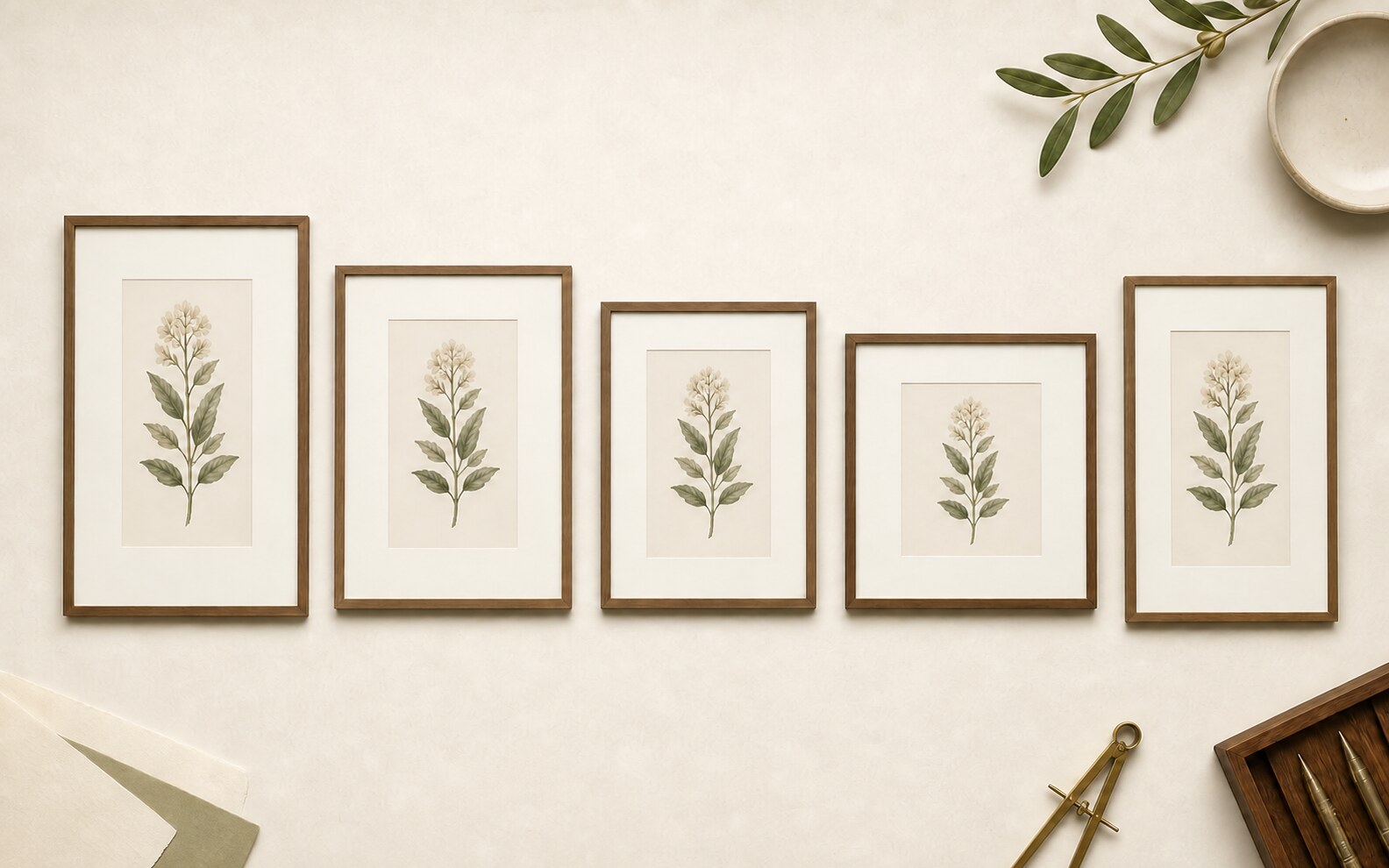
If the file and frame use different ratios, one of three things must happen: part of the artwork is cropped, a border is added, or the image is stretched. Stretching changes the artwork and should be avoided. Cropping or a deliberate border can work, but the decision should be visible before printing.
Common printable-art ratios
| Ratio family | Common sizes | Good to know |
|---|---|---|
| 2:3 | 4 × 6, 8 × 12, 12 × 18, 16 × 24, 20 × 30 inches | A tall, flexible format used by many photo and poster printers |
| 3:4 | 6 × 8, 9 × 12, 12 × 16, 18 × 24 inches | Slightly less narrow than 2:3 |
| 4:5 | 4 × 5, 8 × 10, 12 × 15, 16 × 20 inches | Fits the widely available 8 × 10 and 16 × 20 frame families |
| Square | 8 × 8, 12 × 12, 16 × 16 inches | Width and height are equal |
| ISO | A5, A4, A3, A2, A1 | Common international paper sizes that scale consistently |
A three-step matching method
- Read the frame opening. Use the visible artwork opening, not only the outside frame dimensions. A mat changes the opening.
- Reduce the dimensions. Divide both numbers by the same value. For 12 × 18, divide by six to get 2 × 3.
- Choose the matching file. Use the file labeled with that ratio or exact size. In the printer dialog, keep scaling proportional and review the crop preview.
What if your size is not included?
First check whether it belongs to an included ratio family. A 10 × 15 inch print is still 2:3 even if the filename lists larger examples. If the proportions do not match, decide whether a crop or border is acceptable before ordering. Do not assume that choosing “fill page” will preserve the full image.
Before printing
- Confirm the frame opening and orientation.
- Match the ratio, not just one dimension.
- Preview the crop at the printer or print service.
- Keep “maintain proportions” enabled.
- Ask us if the included-file list is unclear.
Browse the digital download collection and read each product's included-file section before choosing a frame.